Lenovo Tablet Won’t Connect to Wi-Fi? 10 Fixes (2026)
Lenovo tablet won’t connect to Wi-Fi or shows connected, no internet? Try these 10 fixes, from airplane mode to network reset.

Lenovo tablet won’t connect to Wi-Fi or shows connected, no internet? Try these 10 fixes, from airplane mode to network reset.
Fire tablet touch screen not responding or tapping by itself? Try these 8 fixes in order, and learn how to tell software problems from hardware damage.
Fire tablet won’t connect to Wi-Fi or says connected, no internet? Go through these 10 fixes, from airplane mode to router settings.
Lenovo tablet touch screen not responding or ghost touching? Try these 9 fixes in order, and use one simple test to tell software from hardware.
Fire tablet won’t turn on? Start with a 30-minute charge and the 40-second force restart, then try recovery mode. Here’s every fix in order.
How to screen record on a Samsung Galaxy Tab A7: find the built-in Screen recorder, use it with sound, and what to do if your model doesn’t have it.
Sync your Android phone and tablet step by step: Google account sync, photos, Chrome, text messages, apps and Quick Share, plus Samsung extras.
Pair AirPods with an Amazon Fire tablet in under a minute: pairing mode, the right Bluetooth menu, what works, and fixes when they won’t connect.
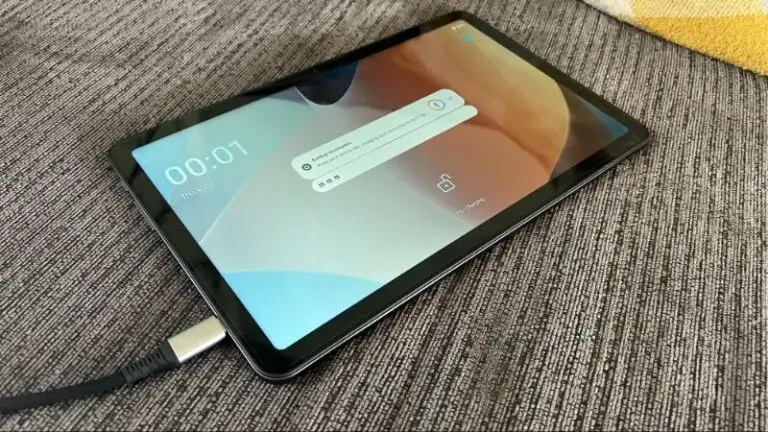
onn tablet won’t charge? Try these 8 fixes in order: cable, adapter, port cleaning, force restart, and how to tell when it’s a hardware fault.
Fire tablet not charging or stuck at the same percentage? Work through these 9 fixes, from adapter and cable checks to the 40-second force restart.
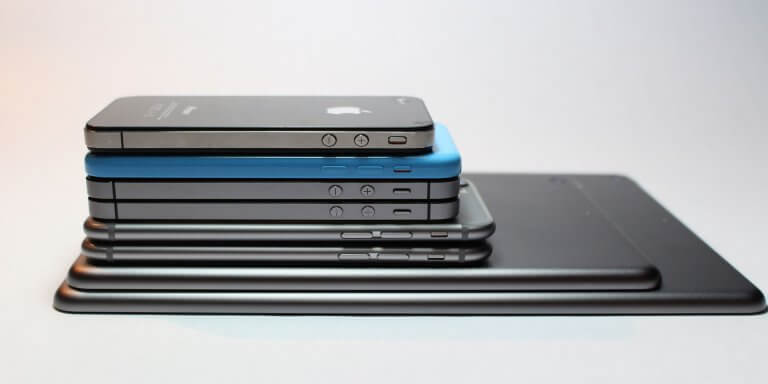
Tablet sizes are listed in inches, measured diagonally across the screen — not edge to edge of the whole device. A 10-inch tablet has a 10-inch display, not a 10-inch body. That sounds obvious, but it’s the single point that throws most buyers off when a “10-inch tablet” turns out to be physically larger than…
You powered on your Fire tablet this morning and it’s been showing the orange Amazon logo for the past ten minutes. Or worse — the logo appears, the tablet seems to start booting, then it restarts and shows the logo again. And again. And again. This is one of the most common Fire tablet failures,…
You plug in your Lenovo tablet and nothing happens — no charging icon, no LED, no percentage going up. Or maybe the icon appears but the battery barely moves, or it charges only when the tablet is turned off. All of these are variations of the same problem, and most of them are fixable at…
Your Lenovo tablet was fast when you bought it. Now apps take forever to open, the home screen stutters when you swipe, and Chrome hangs for seconds before loading a page. This is normal — every Android tablet slows down over time as apps accumulate, caches bloat, and the system fights for RAM it doesn’t…
You press the power button and nothing happens. No logo, no vibration, no charging light — just a dead black screen. Or maybe the Lenovo logo flashes briefly and then goes dark again. Either way, your Lenovo tablet won’t turn on. Before you assume it’s dead and start shopping for a replacement, work through these…
Let’s be honest — Amazon Fire tablets are slow. Not “compared to an iPad” slow, but genuinely, painfully sluggish. Apps take forever to open, the home screen stutters, and the Silk browser feels like it’s loading pages through dial-up. The frustrating part? It often starts happening just weeks after you unbox the thing. But here’s…
Those lock screen ads on your Amazon Fire tablet were cute for about a week. Now they’re just annoying — animated promotions, game trailers, and “special offers” that stand between you and actually using your device. The good news? You can get rid of them. The even better news? You might not have to pay…
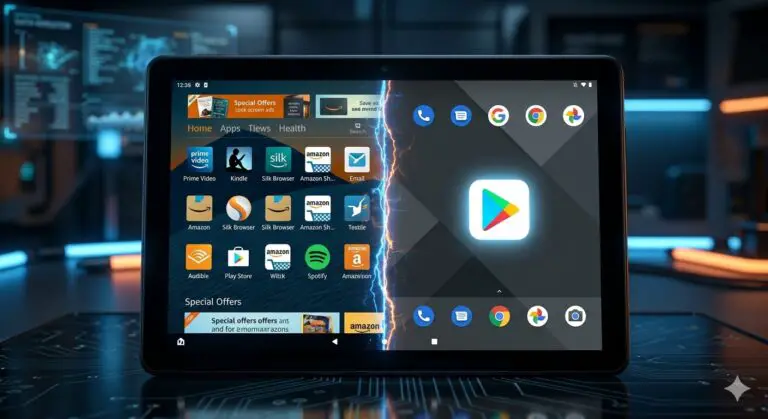
Amazon Fire Tablets are the best hardware for the price, but the software? It’s a battlefield of ads and restricted apps. If you feel like your tablet is more of a digital billboard than a personal device, it’s time to fight back. In this Techcombact guide, we’ll show you how to use the Fire Toolbox…
In the digital age, tablets have become an indispensable tool for work, entertainment, and everything in between. But what if I told you that not all tablets require a SIM card to function? That’s right, depending on your usage, you may not need a SIM card at all. If you’re someone who’s constantly connected to…
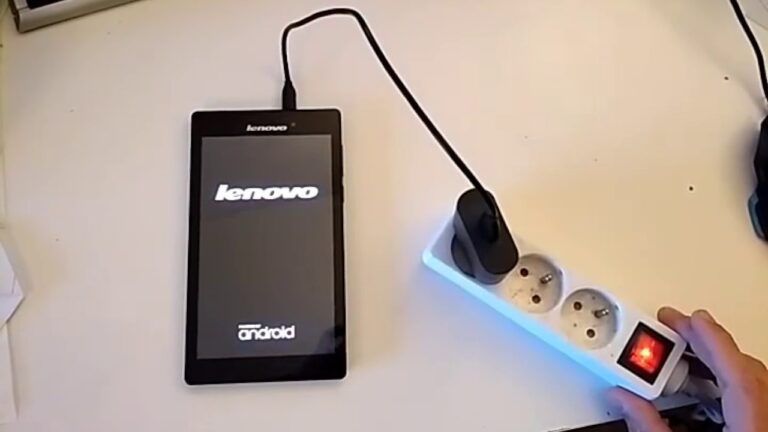
We’ve all been there. One minute, you’re enjoying your Lenovo tablet, the next, it’s stuck in a frustrating boot loop. The screen flickers, the logo appears, and then…nothing. It’s a common issue, one that can make your device virtually unusable. But don’t worry, there’s hope yet. In this article, we’ll delve into the intricacies of…
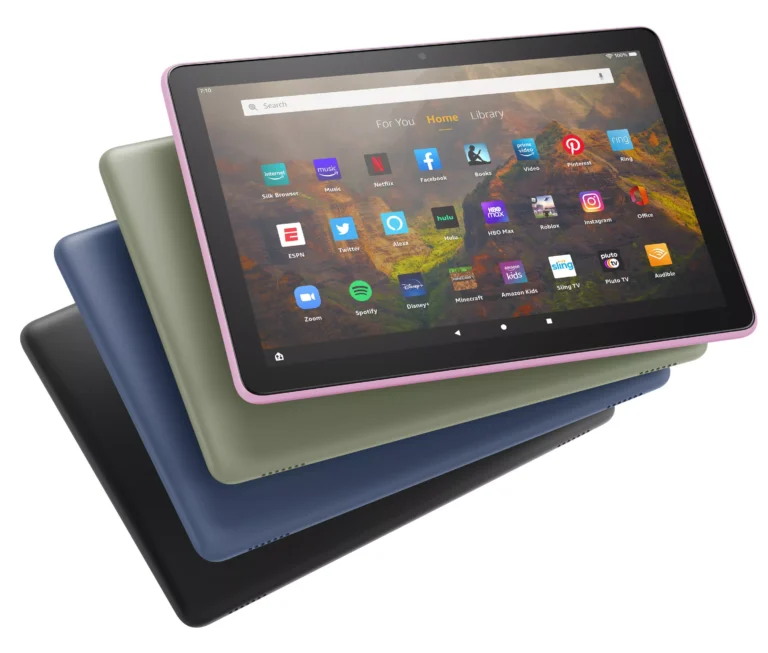
Stuck in Kids Mode on your Amazon Fire tablet? Whether your child has outgrown the restrictions, you’re repurposing the tablet for an adult, or you accidentally enabled Amazon Kids and now can’t access your apps, this guide walks you through every way to get out — step by step. Quick answer: Swipe down from the…
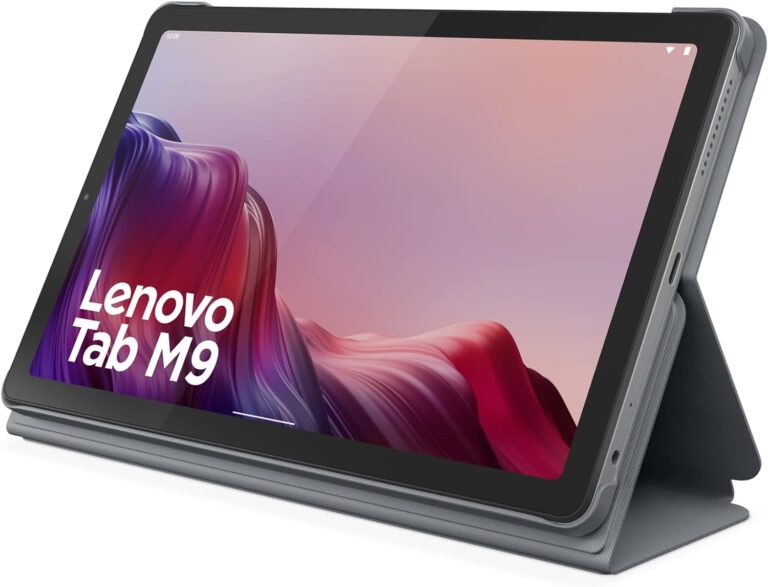
In the fast-paced world of technology, newer isn’t always better. Sometimes, you might find that an older version of your tablet’s operating system works more smoothly or is more compatible with your favorite apps. This comprehensive guide will walk you through the process of downgrading your Lenovo tablet, as well as address other common concerns…
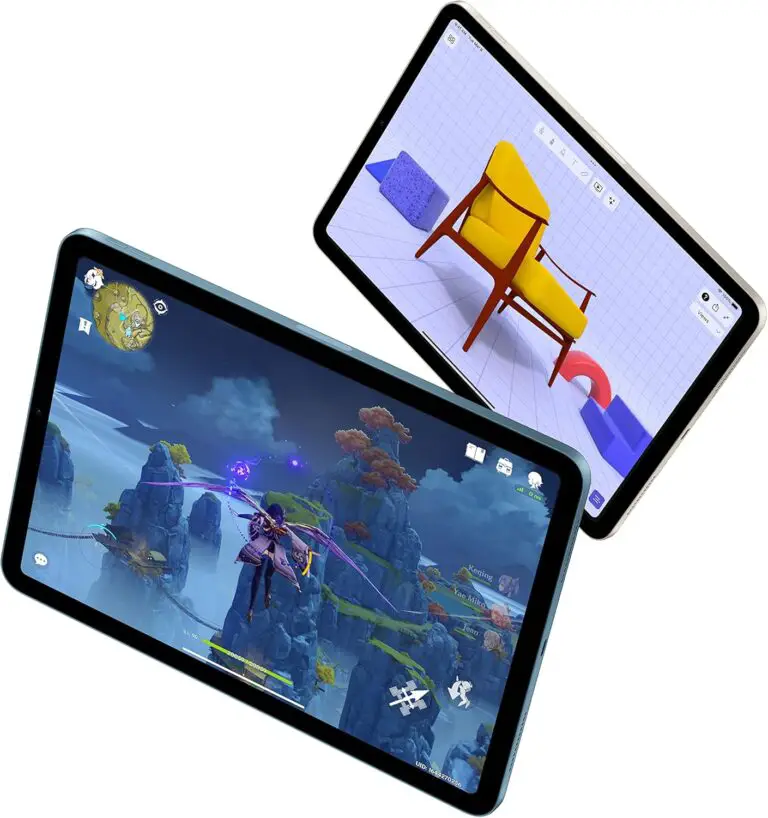
As a Dungeon Master or player, having quick access to your D&D rulebooks, character sheets, and campaign notes is crucial for a smooth gaming experience. Tablets have become an essential tool for tabletop roleplaying enthusiasts, offering a convenient way to carry an entire library of gaming resources in a single device. But with so many…
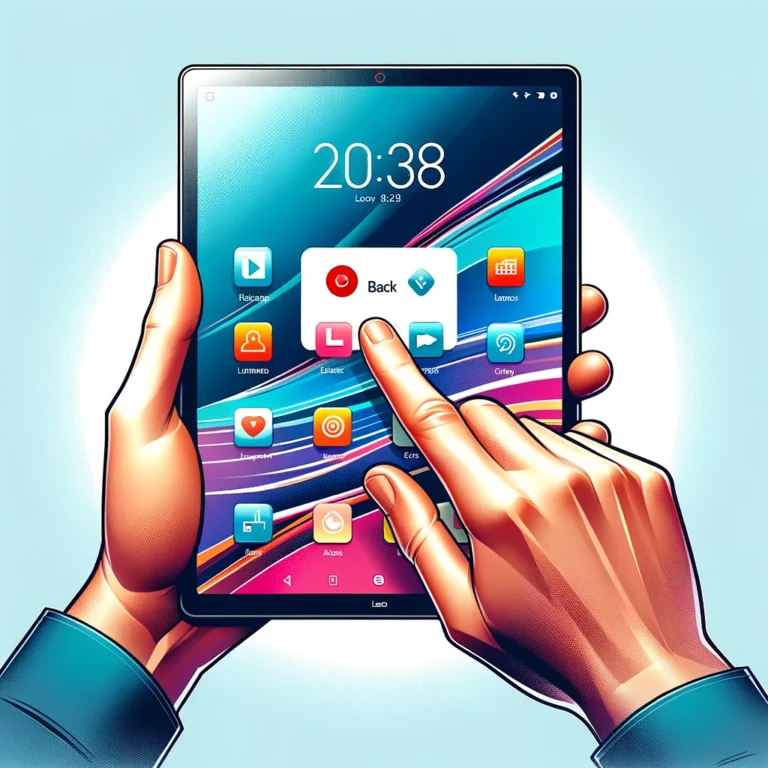
Navigating through the sleek interface of a Lenovo tablet can be both exciting and daunting, especially for new users. Understanding how to effectively use the back function is essential for a smooth experience. This guide will take you through the basics of tablet navigation, focusing on the back button, to ensure you’re making the most…
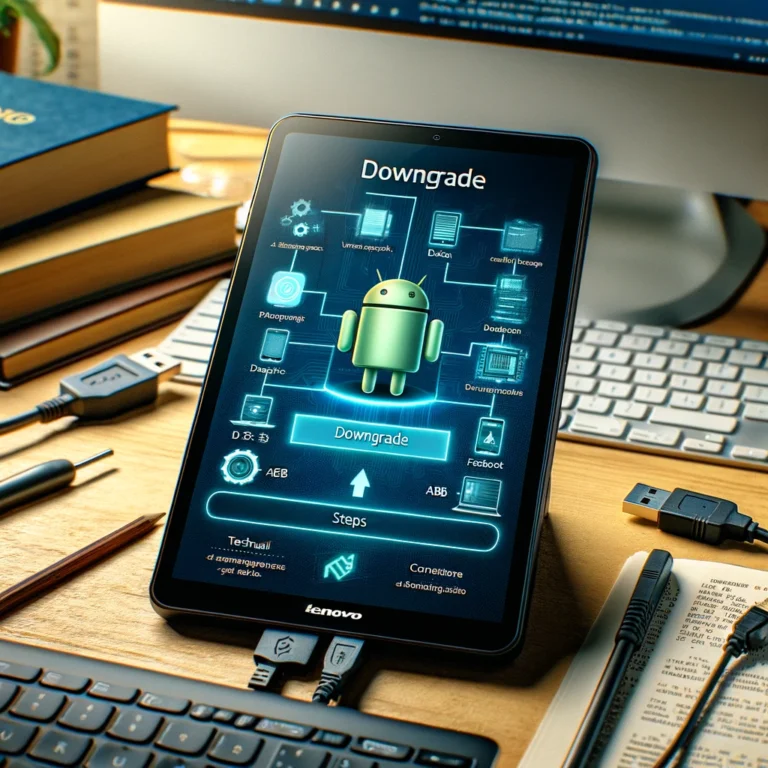
Downgrading the Android operating system on a Lenovo tablet is a task that users might consider for various reasons. Perhaps the latest update is not sitting well with certain apps, or maybe the user prefers the features and interface of a previous Android version. It is a technical process that requires a careful approach, as…
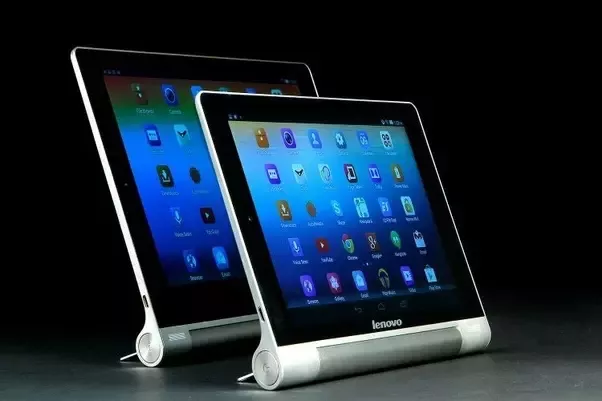
In today’s tech-savvy world, tablets have become an essential part of our daily lives, offering convenience and versatility on the go. But have you ever wondered if a tablet can actually run without a battery? Surprisingly, the answer is yes, and there are valid reasons why someone might consider doing so. In this article,…

Owners of Onn tablets may sometimes find themselves in a situation where they cannot access their device due to a forgotten Personal Identification Number (PIN). The PIN is a security feature designed to protect personal data, but if forgotten, it can prevent legitimate users from accessing their own tablets. Fortunately, several methods exist to bypass…

In the complex world of device customizations, understanding integral components such as bootloaders is imperative for any tech enthusiast. These components serve as gatekeepers, safeguarding the programming of devices like the Blu M8L Tablet. However, to truly personalize a device, one might need to cross these gates by unlocking the bootloader. This process, though somewhat…
The BLU M8L tablet is a budget-friendly device that offers various features and functionalities. One of the most common questions about this tablet is whether it can be used as a phone. The answer is yes, it is possible to use a BLU M8L tablet as a phone, but there are certain requirements and steps…
The Free Tablet Program from the Government is a program that provides eligible individuals with a free tablet device. This program aims to bridge the digital divide and provide access to technology for those who may not be able to afford it. The program is a part of the government’s efforts to promote digital inclusion…