How to Screen Record on a Samsung Galaxy Tab A7 (and What to Do If It’s Missing)
How to screen record on a Samsung Galaxy Tab A7: find the built-in Screen recorder, use it with sound, and what to do if your model doesn’t have it.


How to screen record on a Samsung Galaxy Tab A7: find the built-in Screen recorder, use it with sound, and what to do if your model doesn’t have it.
Sync your Android phone and tablet step by step: Google account sync, photos, Chrome, text messages, apps and Quick Share, plus Samsung extras.

Pair AirPods with an Amazon Fire tablet in under a minute: pairing mode, the right Bluetooth menu, what works, and fixes when they won’t connect.
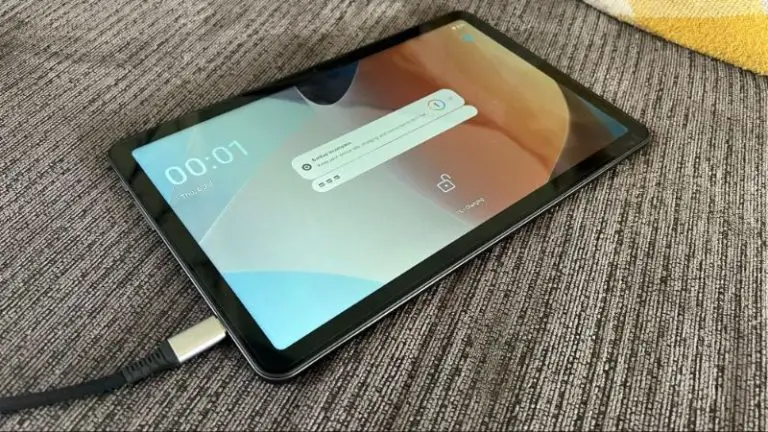
onn tablet won’t charge? Try these 8 fixes in order: cable, adapter, port cleaning, force restart, and how to tell when it’s a hardware fault.
Fire tablet not charging or stuck at the same percentage? Work through these 9 fixes, from adapter and cable checks to the 40-second force restart.
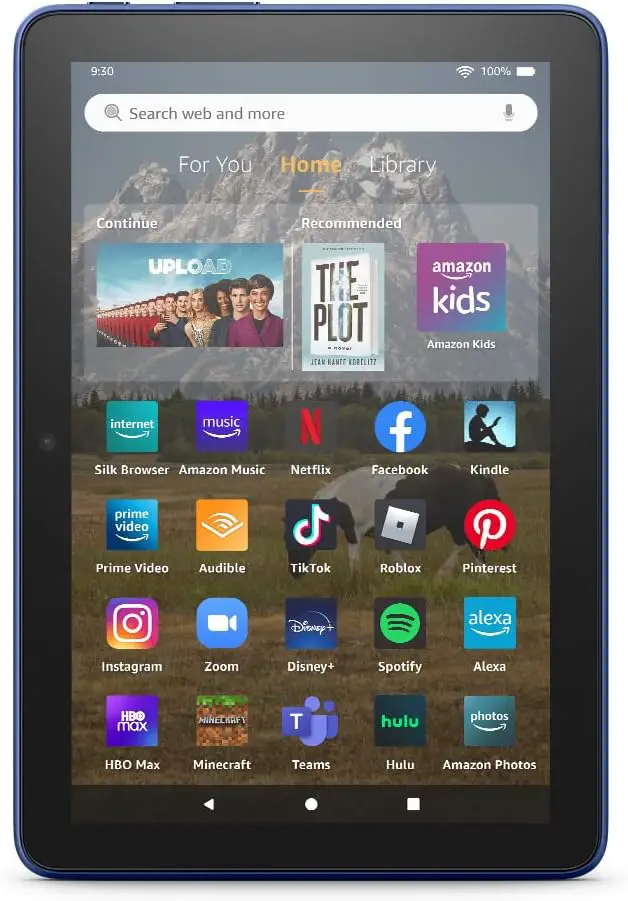
Most “best tablet for Home Assistant” guides answer the wrong question Type “best tablet for Home Assistant” into Google and you’ll get a dozen articles that all say the same thing: cheap 10-inch Android, mount it on the wall, run Fully Kiosk Browser. That’s a fine setup if all you want is a dashboard on…
What “2-in-1 tablet” actually means (and what to expect under $500) A 2-in-1 tablet is a tablet that detaches from a physical keyboard — laptop one minute, tablet the next. That’s the strict definition. It does not mean any tablet you can pair with a Bluetooth keyboard, and it does not mean a convertible laptop…
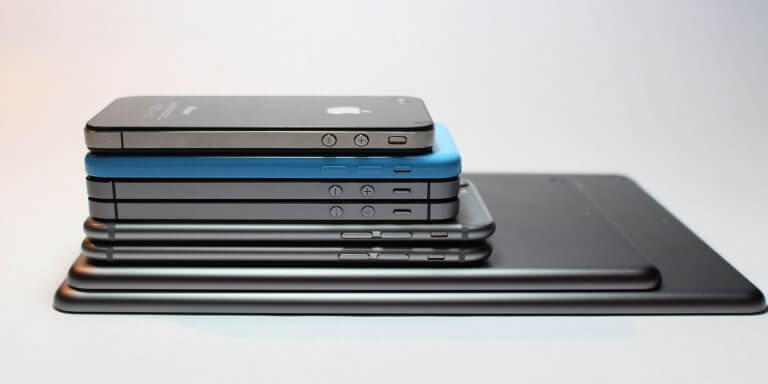
Tablet sizes are listed in inches, measured diagonally across the screen — not edge to edge of the whole device. A 10-inch tablet has a 10-inch display, not a 10-inch body. That sounds obvious, but it’s the single point that throws most buyers off when a “10-inch tablet” turns out to be physically larger than…

You powered on your Fire tablet this morning and it’s been showing the orange Amazon logo for the past ten minutes. Or worse — the logo appears, the tablet seems to start booting, then it restarts and shows the logo again. And again. And again. This is one of the most common Fire tablet failures,…
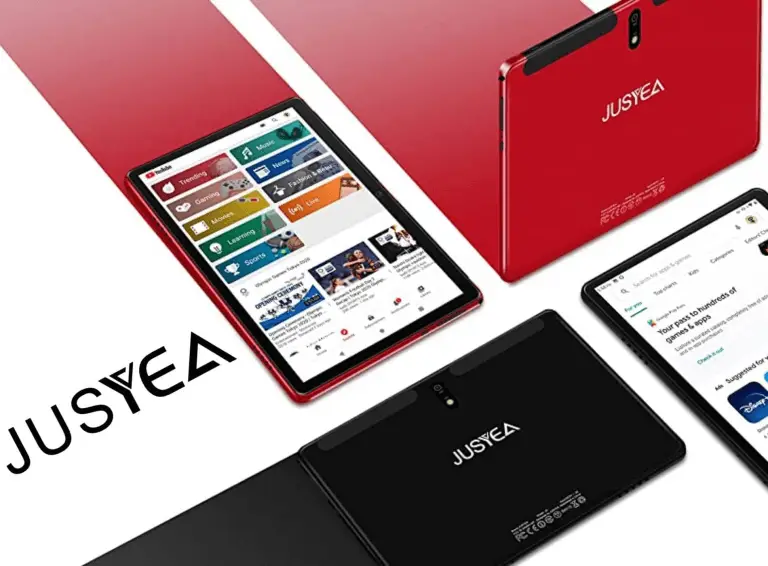
If you’ve been browsing Amazon for a cheap Android tablet with a keyboard thrown in, you’ve almost certainly run into Jusyea. The brand makes three active models — the J5, the J6, and the J10 — all sold as “all-in-one” bundles with a keyboard, mouse, stylus, and case for somewhere between $80 and $160. We’ve…
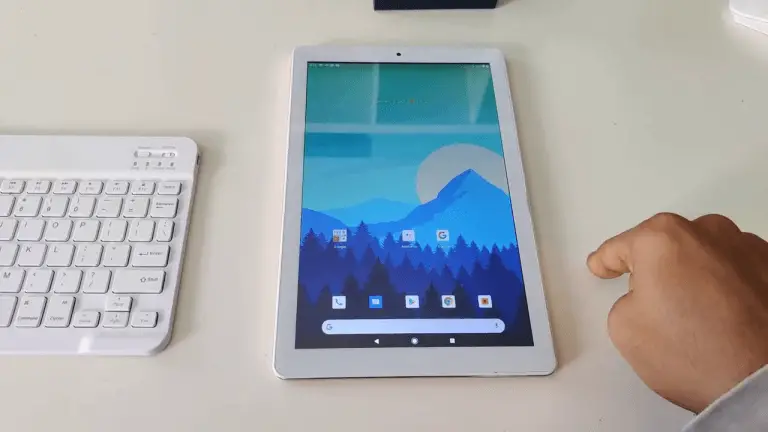
If you’ve landed here, you’re probably staring at a Yotopt tablet on Amazon wondering the same thing we did: at around $80–$130 with a keyboard, mouse, case and stylus thrown in, can it really be any good? Or is the price hiding something that will make you regret the purchase three weeks in? We’ve spent…
You plug in your Lenovo tablet and nothing happens — no charging icon, no LED, no percentage going up. Or maybe the icon appears but the battery barely moves, or it charges only when the tablet is turned off. All of these are variations of the same problem, and most of them are fixable at…
Your Lenovo tablet was fast when you bought it. Now apps take forever to open, the home screen stutters when you swipe, and Chrome hangs for seconds before loading a page. This is normal — every Android tablet slows down over time as apps accumulate, caches bloat, and the system fights for RAM it doesn’t…
You press the power button and nothing happens. No logo, no vibration, no charging light — just a dead black screen. Or maybe the Lenovo logo flashes briefly and then goes dark again. Either way, your Lenovo tablet won’t turn on. Before you assume it’s dead and start shopping for a replacement, work through these…

Let’s be honest — Amazon Fire tablets are slow. Not “compared to an iPad” slow, but genuinely, painfully sluggish. Apps take forever to open, the home screen stutters, and the Silk browser feels like it’s loading pages through dial-up. The frustrating part? It often starts happening just weeks after you unbox the thing. But here’s…
Those lock screen ads on your Amazon Fire tablet were cute for about a week. Now they’re just annoying — animated promotions, game trailers, and “special offers” that stand between you and actually using your device. The good news? You can get rid of them. The even better news? You might not have to pay…
If you’ve ever typed “should I buy a laptop or a tablet” into Google, you’ve probably ended up reading a 3,000-word article that still didn’t answer your specific question. The problem with generic advice is that it doesn’t know your situation — how much you type, where you use your device, what software you need,…

A truck cab is one of the harshest environments a tablet can live in. Extreme heat in summer, freezing cold in winter, constant vibration on rough highways, direct sunlight blasting the screen, and the real risk of the device getting dropped on asphalt during a pre-trip inspection. Standard consumer tablets simply aren’t built for this….
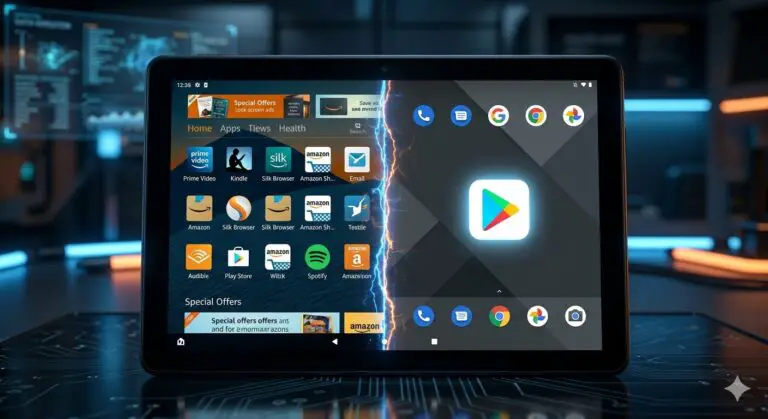
Amazon Fire Tablets are the best hardware for the price, but the software? It’s a battlefield of ads and restricted apps. If you feel like your tablet is more of a digital billboard than a personal device, it’s time to fight back. In this Techcombact guide, we’ll show you how to use the Fire Toolbox…

In the digital age, tablets have become an indispensable tool for work, entertainment, and everything in between. But what if I told you that not all tablets require a SIM card to function? That’s right, depending on your usage, you may not need a SIM card at all. If you’re someone who’s constantly connected to…
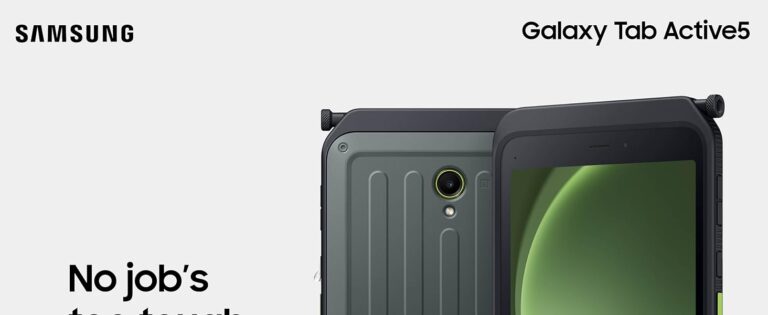
Best Rugged Tablets for QField in 2026: 5 Picks for GIS Fieldwork QField turns your tablet into a mobile GIS workstation — but the app is only as good as the hardware it runs on. Drop a consumer tablet on a rocky trail, and your entire day of data collection disappears with the cracked screen….
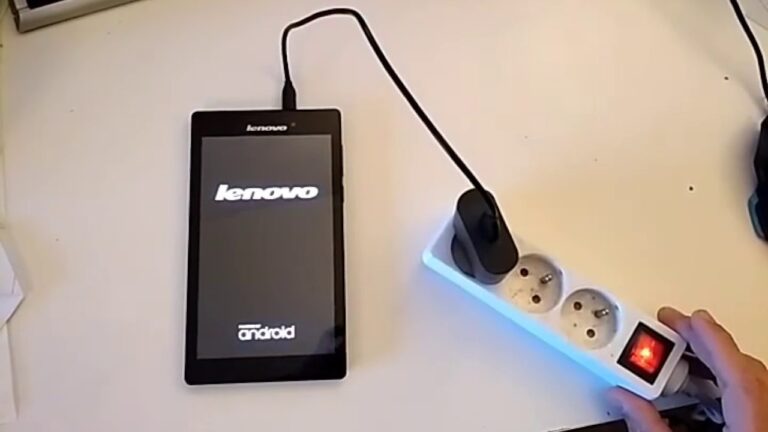
We’ve all been there. One minute, you’re enjoying your Lenovo tablet, the next, it’s stuck in a frustrating boot loop. The screen flickers, the logo appears, and then…nothing. It’s a common issue, one that can make your device virtually unusable. But don’t worry, there’s hope yet. In this article, we’ll delve into the intricacies of…
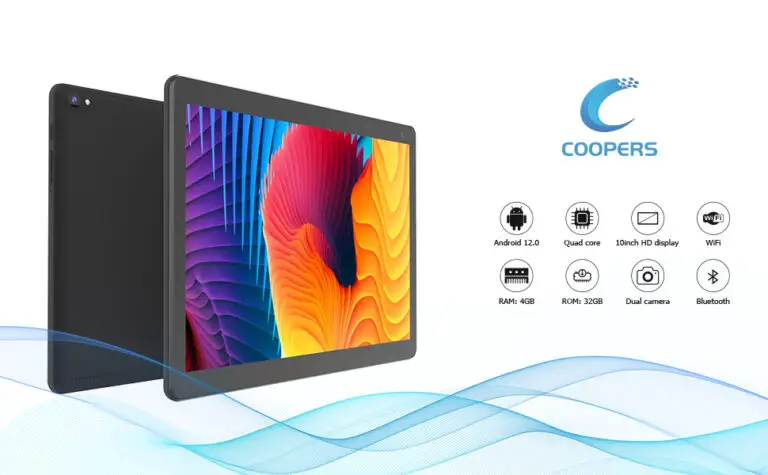
In the digital age, there’s nothing quite like curling up with a good magazine on a sleek, lightweight tablet. Whether you’re a casual reader or a magazine enthusiast, the right tablet can transform your reading experience. This article is all about finding the perfect tablet for reading magazines, one that offers a seamless blend of…
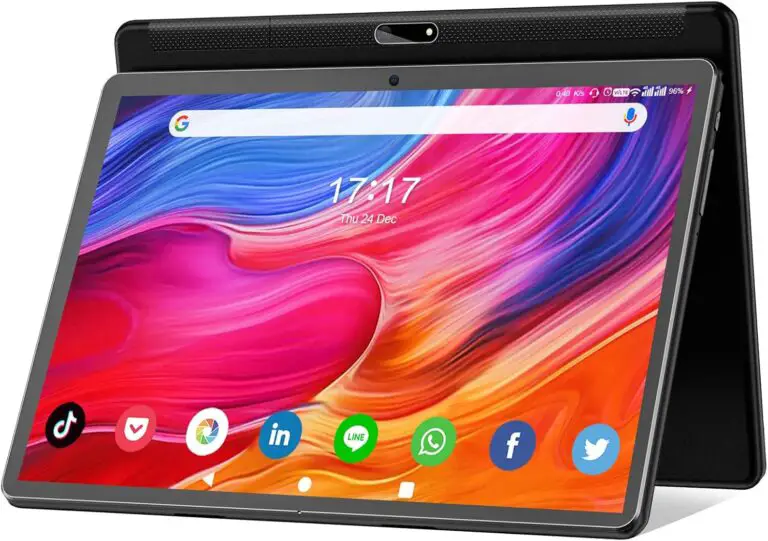
In the world of drone flying, having the right tablet can make all the difference. It’s not just about having a bigger screen to view your footage, but also about having a device that can handle the DJI Fly app seamlessly. If you’re a proud owner of a DJI Mini 2, you’re in the right…
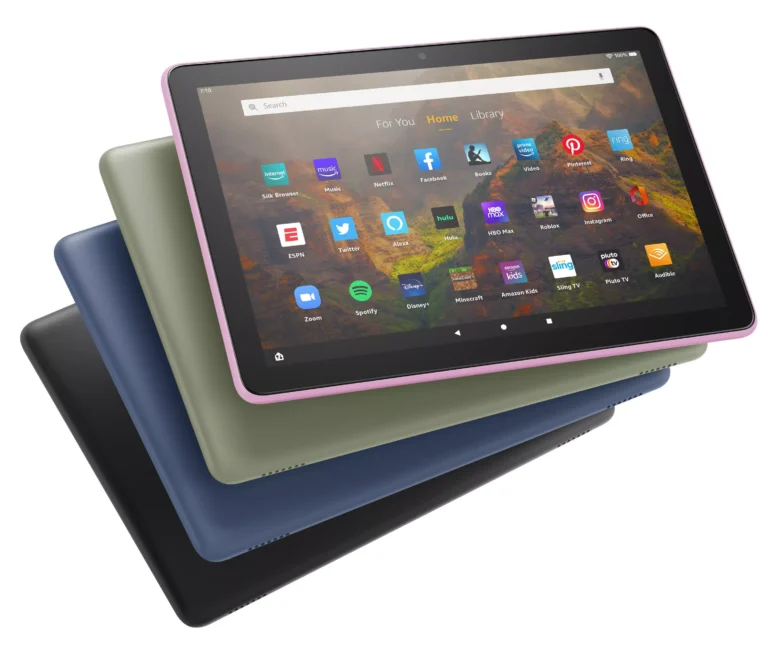
Stuck in Kids Mode on your Amazon Fire tablet? Whether your child has outgrown the restrictions, you’re repurposing the tablet for an adult, or you accidentally enabled Amazon Kids and now can’t access your apps, this guide walks you through every way to get out — step by step. Quick answer: Swipe down from the…
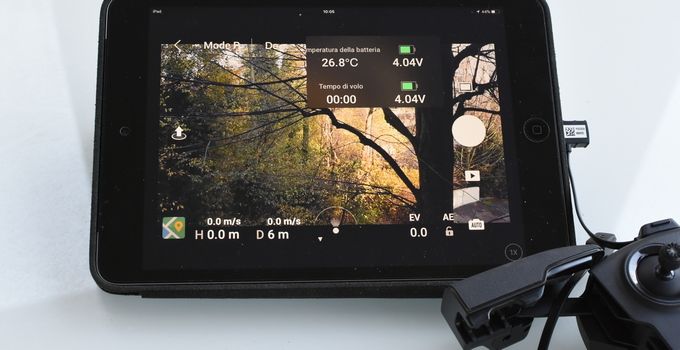
If you’ve searched this topic recently, you’ve probably noticed every article looks the same: same five tablets from 2021, same generic specs table, same “consider screen size and battery life” advice. Most of that content predates a significant shift. Here’s what changed and what matters now. DJI no longer officially supports any tablet in its…
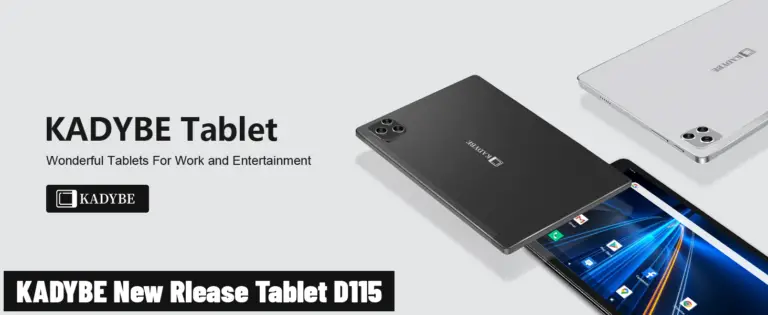
Navigating the open waters can be a thrilling experience, but it’s not without its challenges. One tool that’s become indispensable for modern mariners is a reliable tablet loaded with Navionics, a top-rated marine navigation app. But which tablet offers the best experience for Navionics users? In this roundup, we’ll delve into the world of tablets,…
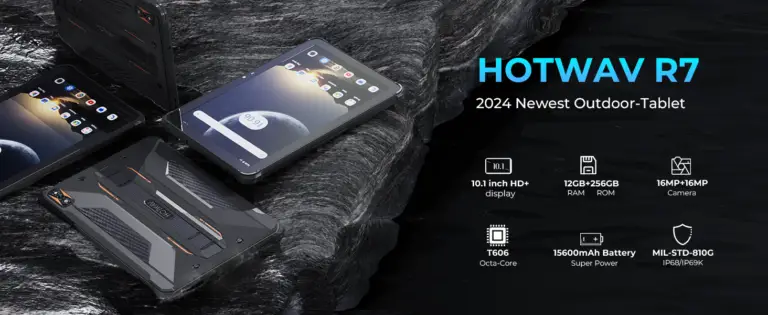
Adventure is calling and you’re ready to answer with the best tech at your fingertips! If you’re a thrill-seeker who loves off-roading, you know the importance of a reliable navigation system. That’s where a top-notch tablet for OnX Offroad comes in. OnX Offroad is an app that takes the guesswork out of your adventurous pursuits,…
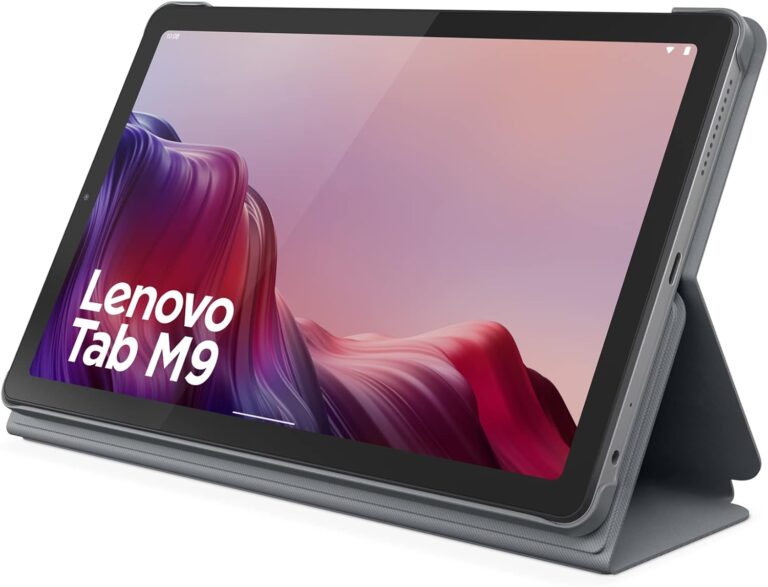
In the fast-paced world of technology, newer isn’t always better. Sometimes, you might find that an older version of your tablet’s operating system works more smoothly or is more compatible with your favorite apps. This comprehensive guide will walk you through the process of downgrading your Lenovo tablet, as well as address other common concerns…
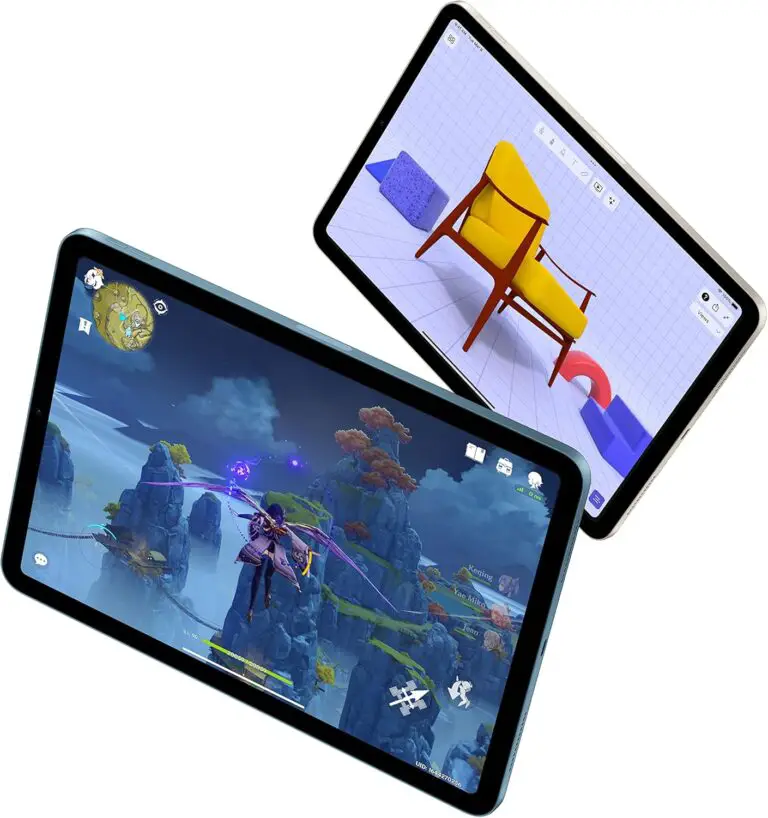
As a Dungeon Master or player, having quick access to your D&D rulebooks, character sheets, and campaign notes is crucial for a smooth gaming experience. Tablets have become an essential tool for tabletop roleplaying enthusiasts, offering a convenient way to carry an entire library of gaming resources in a single device. But with so many…